Apps built in a hurry often carry secret keys that anyone can copy from the app file. Which keys are dangerous, how to check your app in an afternoon with free tools, what a professional security test costs, and what your developer should fix before you pay the final invoice.
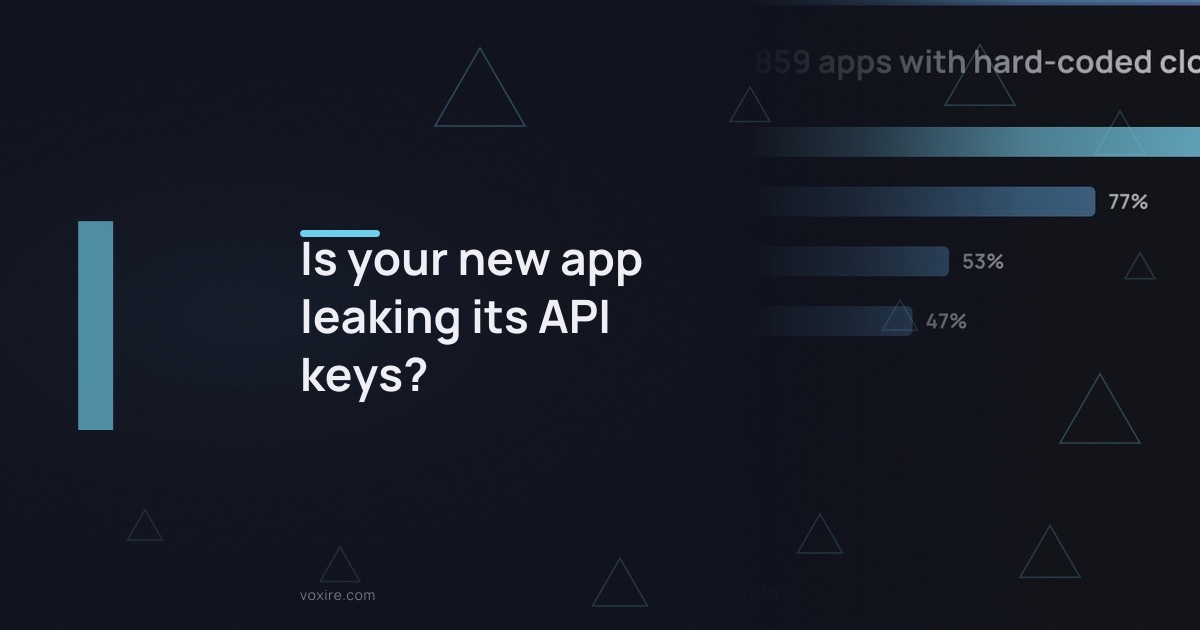
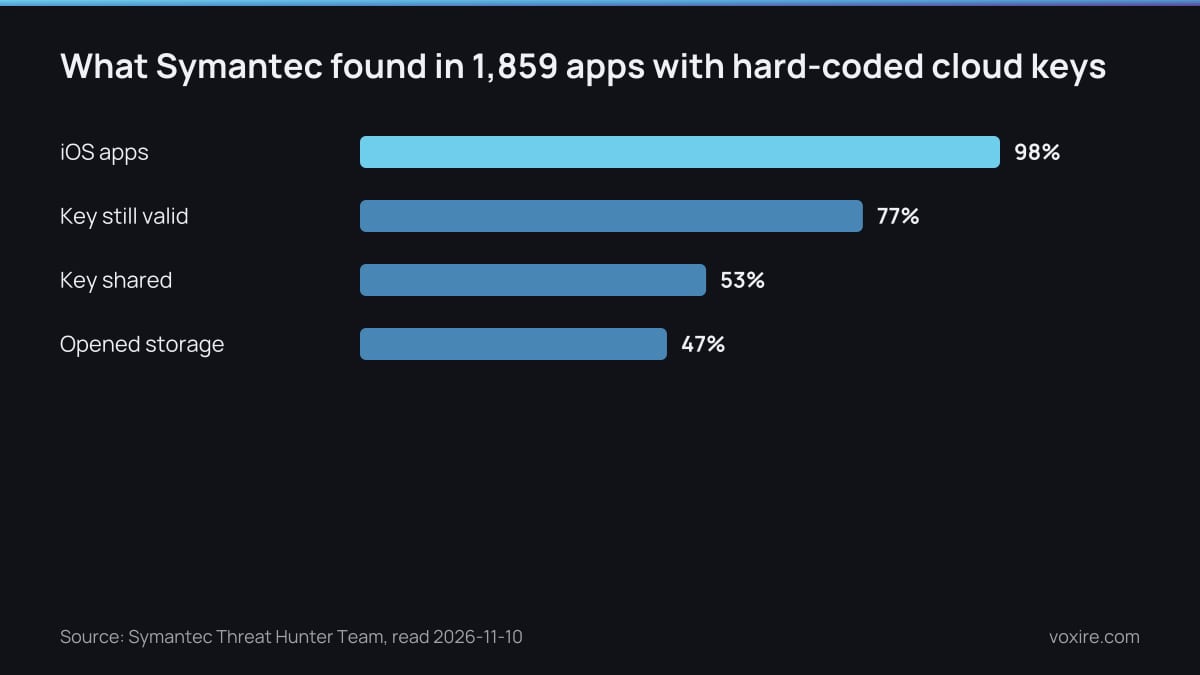
Symantec found 1,859 public apps carrying hard-coded Amazon cloud keys, and 77% of those keys still worked when its researchers tested them (Symantec). That is not a big-company problem. It is what happens when an app is built fast, demoed, paid for and shipped without anyone opening the file.
If a freelancer or another agency has just delivered your app, you can find out in an afternoon whether it leaks. The check is free. The fixes usually take days, not weeks. Both are far cheaper before the final invoice is paid than after, and that applies whether you built with us at Voxire or with anyone else.
How do API keys end up inside an app?
Keys end up inside an app because pasting them into the code is the fastest way to make a feature work. The maps, payment, storage or AI feature runs in the demo, everyone moves on, and nobody moves the key to a server before release.
Symantec traced the habit to a short list of reasons: downloading media files, reading configuration, calling cloud services that need a login, and test code nobody removed (Symantec). OWASP ranks improper credential usage, hard-coded keys included, as the first risk in its Mobile Top 10.
None of this means your developer was careless on purpose. It usually means the quote had no line for a backend that holds the secrets, so the secrets went into the app instead.
Is it dangerous if an app leaks an API key?
It is dangerous when the key opens private data or spends money per call. In the Symantec sample of 1,859 apps, 47% of the leaking apps held keys that opened private file storage, often with millions of files behind them (Symantec).
The same study found that 53% of those apps shared a key with apps from other companies. The cause was a third-party library that carried its own keys inside it. Your developer may not have written the leak at all. They may have installed it.
Keys also stay useful for a long time. GitGuardian counted 23,770,171 new secrets in public GitHub commits in 2024, up 25% on the year, and found that 70% of the secrets leaked in 2022 were still valid (GitGuardian).
For a Lebanese business there is a second cost. A leaked AI, SMS or maps key bills a USD card. If that card has a tight limit, abuse does not only cost money: it stops the feature for your real customers until the card is topped up.
Which keys can live in the app and which cannot?
Public identifiers can stay in the app if they are restricted, while secret keys never can. A Firebase config key or a Google Maps key locked to your app is designed to ship; a payment secret, a cloud storage key or an AI key belongs on your server.
The rule we use on every build is simple. If a key can spend money or read customer data on its own, it is a server key.
- Can ship, if restricted: the Firebase config key, because access is decided by Security Rules and App Check rather than by the key itself (Firebase), and a Google Maps key restricted to your app and to the APIs it calls (Google Maps Platform).
- Must stay on the server: payment gateway secret keys, cloud storage credentials, AI service keys, SMS and WhatsApp Business API tokens, and any database password.
A restricted key that leaks is an annoyance. An unrestricted secret that leaks is an incident.
Which free tools find leaked keys in an app?
You can run a first check in one afternoon with free tools and no coding. The open-source Mobile Security Framework reads an Android or iOS app file and lists hard-coded secrets, insecure settings and risky permissions in a report.
Ask your developer for three things:
- The release build file: the .apk or .aab for Android, the .ipa for iOS. Run it through MobSF and read the secrets section first.
- The output of a dependency audit. For a React Native or JavaScript backend that is npm audit, which lists libraries with known vulnerabilities.
- Confirmation that no environment file with keys was ever committed to the repository.
This is the same first pass we run when we take over an app. On a clinic booking project we inherited, the first commit removed credentials written into the code, and the npm audit count went from 12 known vulnerabilities to 5 the same day, with a written plan for the rest.
How much does mobile app security testing cost?
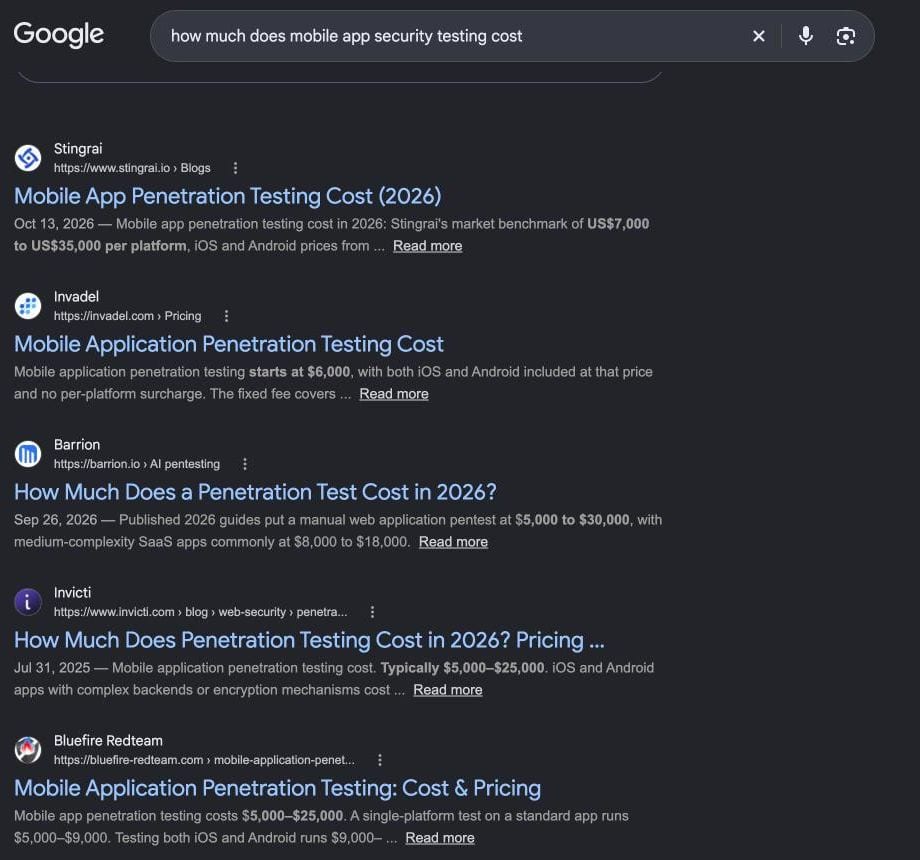
A first scan costs nothing, a validated vulnerability scan starts at $1,500, and a manual mobile penetration test starts at $6,000 on Invadel's published price list. Larger apps with payments and several integrated systems start at $14,000.
| Check | Who runs it | What it finds | Published price |
|---|---|---|---|
| MobSF static scan | You or your developer | Hard-coded keys, insecure settings, risky permissions | Free, open source |
| npm audit | Your developer | Libraries with known vulnerabilities | Free, ships with npm |
| Validated vulnerability scan | Security firm | Known issues, confirmed by a tester | From $1,500 |
| Mobile penetration test, small app | Security firm | Login flaws, data leaks, broken access rules, both platforms | From $6,000 |
| Mobile penetration test, medium app | Security firm | The same, across more screens and services | From $8,500 |
| Mobile penetration test, large app | Security firm | The same, across several integrated systems | From $14,000 |
| Source: Invadel pricing, MobSF, npm audit docs, read 2026-11-10 |
Set that against the build. Our published range for an MVP app is $8,000 to $12,000 on the mobile app development page, so a full penetration test can cost most of what the app did. The sensible order for a small business is the free scan, then the fixes, then a paid test once the app takes payments or holds health data.
What should your developer fix before launch?
Your developer should move every secret to the server, rotate any key that ever shipped, and restrict the keys that stay. Rotation matters most, because a key removed from the next version still works for anyone who copied it from the old one.
- Proxy paid calls through your backend. The app asks your server, and your server holds the key.
- Rotate every exposed key. Issue a new one and revoke the old one, even if it was only in a test build.
- Restrict what stays public. Lock Maps and similar keys to your package name, bundle ID and the exact APIs used (Google Maps Platform).
- Turn on Security Rules and App Check if the app uses Firebase (Firebase).
- Set quotas and billing alerts on every paid API.
Write these into the contract. Our posts on what a fixed-price app quote should include and what to check before you sign with an app developer cover where the clauses go. Key rotation then becomes part of ordinary upkeep, which our app maintenance cost guide budgets for.
What should you actually do this week?
Get the release build and the repository access from your developer before the final payment, then spend one afternoon on the free checks. Most leaks show up in that first pass. What you find decides whether you need a fix sprint, a paid test, or neither.
- Request the .apk, .aab or .ipa and run it through MobSF.
- Ask for the dependency audit output and the list of every third-party key the app uses.
- Sort each key into ships restricted or stays on the server, using the rule above.
- Hold the last invoice until every server key is moved and every exposed key is rotated.
It is a short list. It is also the difference between an app you own and an app that quietly spends your money.
Sources
- Mobile App Supply Chain Vulnerabilities Could Endanger Sensitive Business Information, Symantec Threat Hunter Team, read 2026-11-10
- State of Secrets Sprawl Report 2025, GitGuardian, read 2026-11-10
- OWASP Mobile Top 10, OWASP Foundation, read 2026-11-10
- M1: Improper Credential Usage, OWASP Foundation, read 2026-11-10
- Learn about using and managing API keys for Firebase, Google Firebase, read 2026-11-10
- API security best practices, Google Maps Platform, read 2026-11-10
- Mobile Security Framework (MobSF), GitHub, read 2026-11-10
- npm audit, npm Docs, read 2026-11-10
- Penetration Testing Pricing and Cost, Invadel, read 2026-11-10
Need a second opinion on an app you were just handed?
Send us the build file or repository access and we will tell you which keys are exposed, which can stay, and what the fixes involve before you sign off on the final payment. If you are starting a new app, we keep the secrets on the server from the first sprint.
→ Mobile App Development → Get a Free Quote → Chat on WhatsApp
Enjoying this article?
Enter your email and get a clean, formatted PDF of this article: free, no spam.
Voxire
Mobile App Development
React Native and native iOS and Android for MENA. RTL support done properly, regional payment integration, App Store and Play Store submission, and the architecture decisions that keep a small app maintainable.
Learn more